

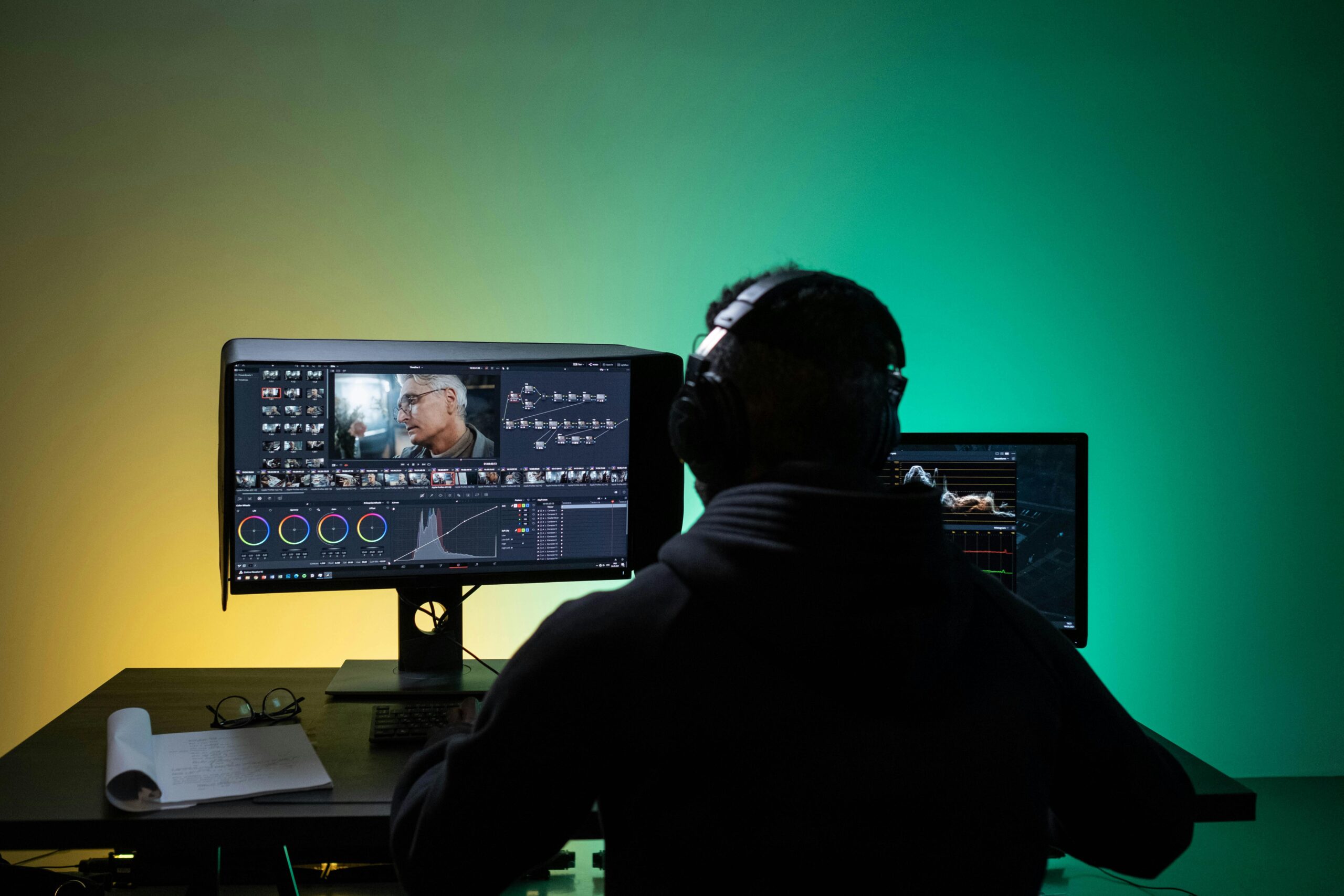
AI video editing is moving fast. New tools are faster, cheaper, and easier to use than ever. If you’re looking for Unlucid AI alternatives for video editing, the best options right now are Runway, Pictory, Descript, Synthesia, VEED.io, and Kapwing.
Each tool fits a different need — from YouTube automation to short-form social clips to AI avatar videos.
Below, you’ll find a practical breakdown to help you choose the right one.
Why Look for an Unlucid AI Alternative?
Most creators switch tools for one of these reasons:
- Limited editing control
- Pricing feels high for features offered
- Slow rendering times
- Not enough export formats
- Weak social media optimization
If your workflow feels blocked, switching can save hours every week.
Best Unlucid AI Alternatives for Video Editing
1. Runway – Advanced AI Editing & Effects
Runway is powerful. It offers AI background removal, text-to-video, motion tracking, and object removal.
Best for: Creators who want cinematic AI tools.
Why it stands out:
- Professional-level AI tools
- Fast cloud rendering
- Green screen without green screen
Downside: Learning curve for beginners.
If you want serious creative control, this is a strong choice.
2. Pictory – Script-to-Video Made Easy
Pictory turns blog posts or scripts into videos automatically.
Best for: Faceless YouTube channels, marketers, bloggers.
Why it works:
- Auto captions
- Stock footage library
- Simple interface
Downside: Less manual editing flexibility.
If speed matters more than control, this works well.
3. Descript – Edit Video Like a Document
Descript lets you edit video by editing text.
Delete a sentence from the transcript, and it cuts the video.
Best for: Podcasters and talking-head videos.
Strong features:
- Overdub AI voice cloning
- Screen recording
- Multitrack editing
Downside: Not built for heavy visual effects.
For interviews and educational content, it saves time.
4. Synthesia – AI Avatar Video Creation
Synthesia creates videos with AI presenters.
No camera needed.
Best for: Training videos, corporate explainers.
Pros:
- 100+ AI avatars
- Multiple languages
- Clean templates
Cons: Not ideal for creative storytelling videos.
If you need presenter-style videos fast, this is a strong option.
5. VEED.io – Beginner-Friendly Online Editor
VEED.io is simple and web-based.
You can trim, add subtitles, and export for social media quickly.
Best for: Social media creators.
Pros:
- Auto subtitles
- Templates
- No software download
Cons: Limited advanced features.
It’s practical for TikTok, Instagram, and Reels.
6. Kapwing – All-in-One Content Studio
Kapwing offers video editing, resizing, subtitles, and meme tools.
Best for: Content teams and solo creators.
Pros:
- Collaborative editing
- AI caption generator
- Resize for every platform
Cons: Free plan has watermark.
It balances power and simplicity.
Quick Comparison Table
| Tool | Best For | Ease of Use | Advanced Features | Pricing Level |
|---|---|---|---|---|
| Runway | Cinematic AI editing | Medium | Very High | Medium-High |
| Pictory | Script-to-video | Easy | Medium | Medium |
| Descript | Podcast/talking head | Easy | Medium | Medium |
| Synthesia | AI avatars | Easy | Medium | High |
| VEED.io | Social clips | Very Easy | Low-Medium | Low-Medium |
| Kapwing | All-in-one social | Easy | Medium | Medium |
Real-World Examples
Example 1: YouTube Automation Channel
A creator writing list-style scripts can use Pictory to auto-generate videos. Then polish subtitles inside VEED.io.
Example 2: Online Course Creator
Instead of recording lectures, use Synthesia for avatar-based explainer videos.
Example 3: Podcast Editor
Import audio into Descript. Remove filler words by deleting text. Export short clips for social media.
Example 4: Creative Short Film Maker
Use Runway’s AI tools to remove objects or generate visual effects quickly.
Pros & Cons of Switching from Unlucid AI
| Pros | Cons |
|---|---|
| More features | Learning new interface |
| Better pricing options | Workflow adjustment |
| Faster rendering (in some tools) | Migration effort |
| Platform-specific exports | Subscription stacking risk |
FAQs (People Also Ask)
What is the best free alternative to Unlucid AI?
VEED.io and Kapwing both offer free plans. They include basic editing, subtitles, and exports with limitations.
Which AI video editor is best for YouTube?
For automation, Pictory works well or talking-head content, Descript saves time.
For creative visuals, Runway offers advanced tools.
Can AI fully edit videos automatically?
AI can handle cuts, captions, and stock footage selection.
But manual polishing still improves quality.
Which AI tool is best for faceless videos?
Pictory is strong for script-based videos.
Synthesia works well if you want an AI presenter.
Final Verdict
There is no single “best” Unlucid AI alternative. It depends on your workflow.
- Choose Runway if you want creative control.
- Choose Pictory for fast script-to-video automation.
- Choose Descript for editing interviews and podcasts.
- Choose Synthesia for AI avatar presenters.
- Choose VEED.io or Kapwing for social-first editing.
If your goal is speed and automation, start with Pictory.
If your goal is control and visual effects, test Runway.
The right tool should reduce editing time, not add more work.
[…] job seekers who want practical, affordable interview prep in 2025, Final Round AI delivers real value — without the […]