

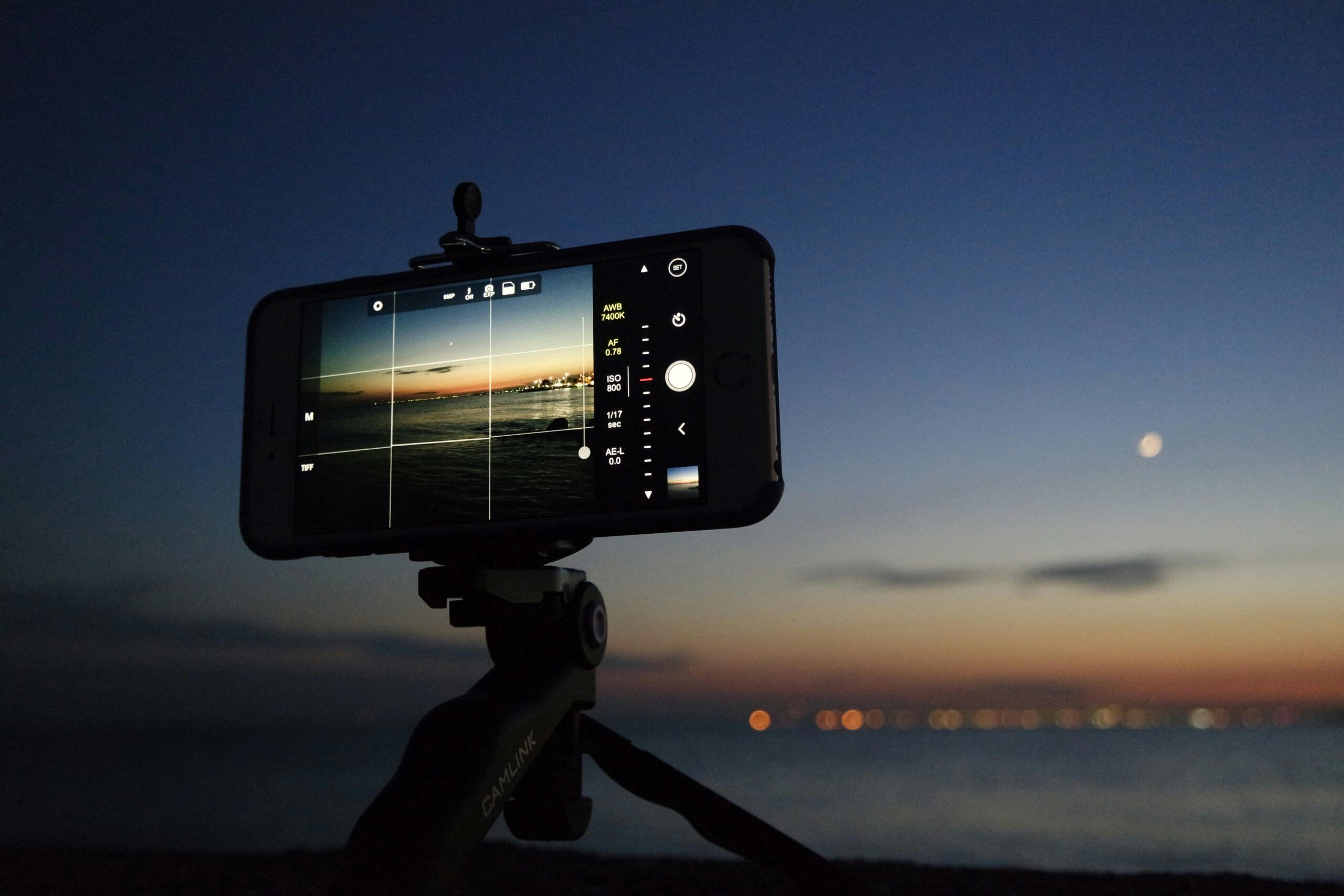
A shaky video can ruin great content. Whether you shoot reels, YouTube videos, online classes, or product photos, the right mobile tripod makes a huge difference.
A mobile tripod is worth buying if you want stable photos, smooth videos, and hands-free shooting. The best one for you depends on your phone size, usage (video, travel, desk work), height needs, and build quality.
Below is a simple, expert guide to help you choose the right mobile tripod without wasting money.
What Is a Mobile Tripod and Why It Matters
A mobile tripod is a stand designed to hold your smartphone steady. It removes hand shake, improves framing, and lets you record without holding the phone.
It matters because:
- Clear videos look more professional
- Stable photos improve sharpness
- Hands-free use saves time and effort
If you create content, attend video calls, or shoot tutorials, a tripod is not optional—it’s essential.
Types of Mobile Tripods (Choose Based on Use)
1. Tabletop Tripods
Small, lightweight, and easy to carry.
Best for: Desk videos, Zoom calls, product shots.
Limit: Limited height.
2. Full-Size Tripods
Adjustable height with stronger legs.
Best for: YouTube videos, vlogging, outdoor shooting.
Limit: Less portable.
3. Flexible (Octopus) Tripods
Bendable legs that wrap around objects.
Best for: Travel, creative angles, outdoor use.
Limit: Less stable for heavy phones.
4. Tripod + Selfie Stick Combo
Works as both a tripod and selfie stick.
Best for: Travelers, vloggers, quick setups.
Limit: Not as stable as full-size tripods.
Key Features to Check Before Buying
Phone Compatibility
Make sure the holder fits your phone width with or without a case.
Height Range
- Desk use: 6–10 inches
- Standing videos: 50–65 inches
Stability & Build Quality
Look for:
- Aluminum or strong ABS plastic
- Rubber feet for grip
Avoid ultra-cheap plastic tripods—they break fast.
Rotation & Angle Control
A good tripod should support:
- 360° rotation
- Portrait and landscape modes
Weight & Portability
If you travel often, choose a lightweight, foldable tripod.
Pros & Cons of Mobile Tripods
| Pros | Cons |
|---|---|
| Stable photos & videos | Cheap models lack durability |
| Hands-free recording | Some tripods are bulky |
| Better content quality | Not all fit large phones |
| Easy to use | Low-cost ones shake easily |
Real-World Examples
- Content creators: Record reels, TikToks, and YouTube videos without blur
- Online teachers: Stable phone setup for lectures
- Small business owners: Shoot product photos professionally
- Travelers: Capture group photos without asking strangers
A mobile tripod turns your phone into a mini studio.
Common Mistakes to Avoid
- Buying the cheapest option
- Ignoring phone size compatibility
- Choosing height without considering usage
- Skipping rotation and tilt features
A bad tripod creates frustration, not results.
FAQs (People Also Ask)
Is a mobile tripod better than a selfie stick?
Yes. A tripod offers more stability and hands-free use, while a selfie stick is mainly for quick shots.
Can mobile tripods hold heavy phones?
Good-quality tripods can handle large phones. Always check weight capacity.
Are flexible tripods safe for expensive phones?
Yes, if they are well-built. Avoid loose joints or weak grips.
Do I need a tripod for mobile photography?
If you care about sharp images, low-light shots, or video quality—yes.
Final Verdict
A mobile tripod is a smart investment if you value clear videos, sharp photos, and stress-free recording. Choose based on your usage, not price alone.
Quick buying tip:
- Desk use → Tabletop tripod
- Content creation → Full-size tripod
- Travel & creativity → Flexible tripod
Buy once, buy right—and your content quality will instantly improve.