

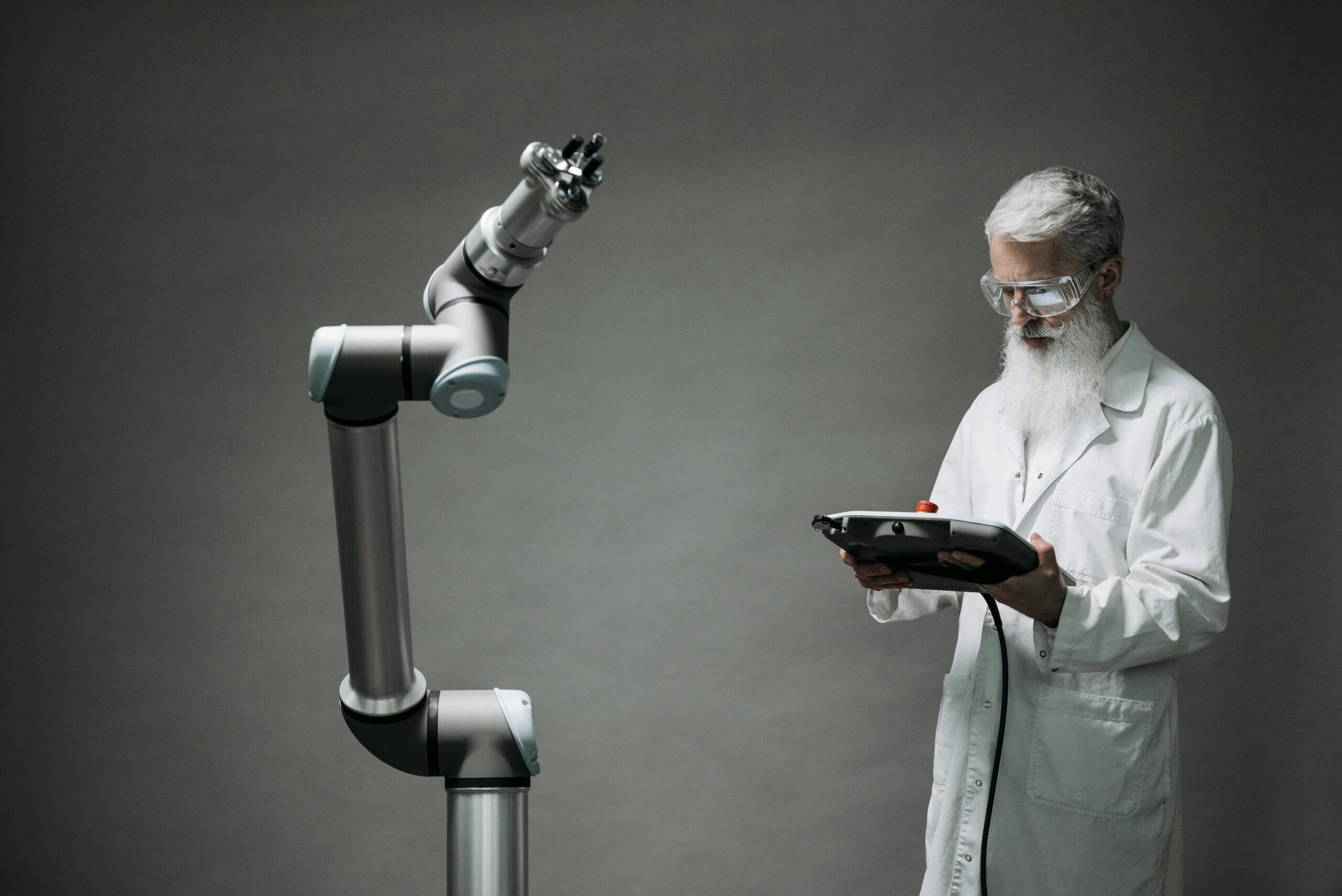
Robots and computers are often used interchangeably in everyday conversation, but they are not the same thing. The confusion happens because both use computing systems, both can be automated, and both can perform complex tasks.
However, their purpose, structure, and real-world behavior are different.
A computer is mainly a processing system. A robot is a physical system that uses computing to interact with the real world.
This article explains the difference in a simple but complete way, including how they work, where they overlap, real-life examples, and practical insights used in engineering and AI development.
1. What Is a Computer?
A computer is an electronic machine designed to process data, execute instructions, and perform calculations.
Core Function:
- Input → Processing → Output
It follows commands given by software and produces results based on logic.
Key Characteristics of Computers:
- No physical movement by default
- Works in a digital environment
- Executes software instructions
- Depends on user input or programmed automation
Common Examples:
- Laptops
- Desktop PCs
- Servers
- Smartphones (technically computers)
Expert insight:
A computer itself does not “act” in the real world. It only processes information and sends results through screens, networks, or devices.
2. What Is a Robot?
A robot is a programmable machine that can perform physical tasks in the real world, often using sensors, actuators, and computing systems.
Core Function:
- Sense → Decide → Act
Key Characteristics of Robots:
- Physical movement
- Uses sensors to detect environment
- Performs real-world actions
- Can be autonomous or semi-autonomous
Common Examples:
- Industrial robotic arms
- Vacuum cleaning robots
- Humanoid robots
- Delivery robots
Expert insight:
A robot is always a physical system. Without movement or interaction with the physical world, it is not a robot.
3. Main Difference Between Robots and Computers
The simplest difference can be understood like this:
- A computer processes information
- A robot acts on the physical world using that information
Comparison Table (Simple View):
| Feature | Computer | Robot |
|---|---|---|
| Physical body | No | Yes |
| Movement | No | Yes |
| Purpose | Data processing | Physical task execution |
| Interaction | Digital only | Real-world environment |
| Dependency | Software + input | Computer + sensors + motors |
4. How Computers Work
Computers follow a strict logical cycle.
4.1 Input Stage
Data is entered through:
- Keyboard
- Mouse
- Network
- Sensors (in advanced systems)
4.2 Processing Stage
CPU performs calculations and runs software instructions.
4.3 Output Stage
Results are shown through:
- Screen
- Audio
- Data transfer
Insider insight:
Even powerful AI systems are still “computers” because they do not physically interact with the environment unless connected to a machine.
5. How Robots Work
Robots combine computing with physical engineering.
5.1 Sensors (Input from Environment)
Robots use:
- Cameras
- Infrared sensors
- Touch sensors
- Distance sensors
5.2 Processing Unit
A built-in computer (controller) decides actions.
5.3 Actuators (Movement System)
Robots move using:
- Motors
- Hydraulic systems
- Pneumatic systems
5.4 Action Output
- Moving arms
- Walking
- Picking objects
- Cleaning floors
Expert insight:
The “robot brain” is a computer, but the robot itself includes physical parts that interact with reality.
6. Relationship Between Robots and Computers
Robots and computers are closely connected.
Important fact:
All robots contain computers, but not all computers are robots.
Example:
- A laptop = computer only
- A robotic arm = robot + computer
- A self-driving car = advanced robot system
7. Types of Robots (Real-World Understanding)
7.1 Industrial Robots
Used in factories for:
- Welding
- Assembly
- Packaging
7.2 Service Robots
Used in daily life:
- Cleaning robots
- Delivery robots
- Hospitality robots
7.3 Medical Robots
Used in healthcare:
- Surgery assistance
- Diagnostics support
7.4 AI Robots
Advanced robots with learning capabilities.
Insider insight:
Most modern robots are not fully autonomous. They still rely on controlled environments or predefined programming.
8. Types of Computers
8.1 Personal Computers
- Laptops
- Desktops
8.2 Servers
- Power data centers
- Run websites and applications
8.3 Embedded Computers
Found inside:
- Cars
- Microwaves
- Smart devices
Expert insight:
Embedded computers are often confused with robots, but they lack physical movement systems.
9. Real-Life Examples to Understand the Difference
1: Calculator vs Robot Arm
- Calculator → computer only
- Robot arm → physical action system controlled by computer
2: Smartphone vs Drone
- Smartphone → computer
- Drone → robot (uses computer + motors + sensors)
3: AI Chat System vs Humanoid Robot
- AI chatbot → software (computer system)
- Humanoid robot → physical machine using AI
10. Common Misconceptions
10.1 “All Smart Devices Are Robots”
Wrong. Smart TVs, phones, and laptops are computers, not robots.
10.2 “AI Means Robot”
AI is software. It becomes part of a robot only when connected to hardware.
10.3 “Robots Think Like Humans”
Most robots follow programmed rules, not human-like thinking.
11. Why the Difference Matters Today
Understanding this difference is important because:
- It affects technology education
- It helps in AI development understanding
- It clarifies automation systems
- It supports career decisions in tech fields
Expert insight:
Confusion between robots and computers often leads to misunderstanding of AI capabilities in media and public discussions.
12. Future: Where Computers and Robots Are Heading
Technology is merging both systems.
Future trends include:
- AI-powered robots
- Fully autonomous delivery systems
- Smart home robotic assistants
- Industrial self-learning machines
Insider insight:
The future is not “robots vs computers” but “computers inside robots working together intelligently.”
Conclusion: Simple Way to Remember the Difference
The easiest way to understand the difference is:
- A computer processes information
- A robot uses that information to act in the real world
Computers are the brain of digital systems. Robots are machines that bring that brain into physical action.
Both are essential, but they serve different roles in technology, automation, and everyday life.