

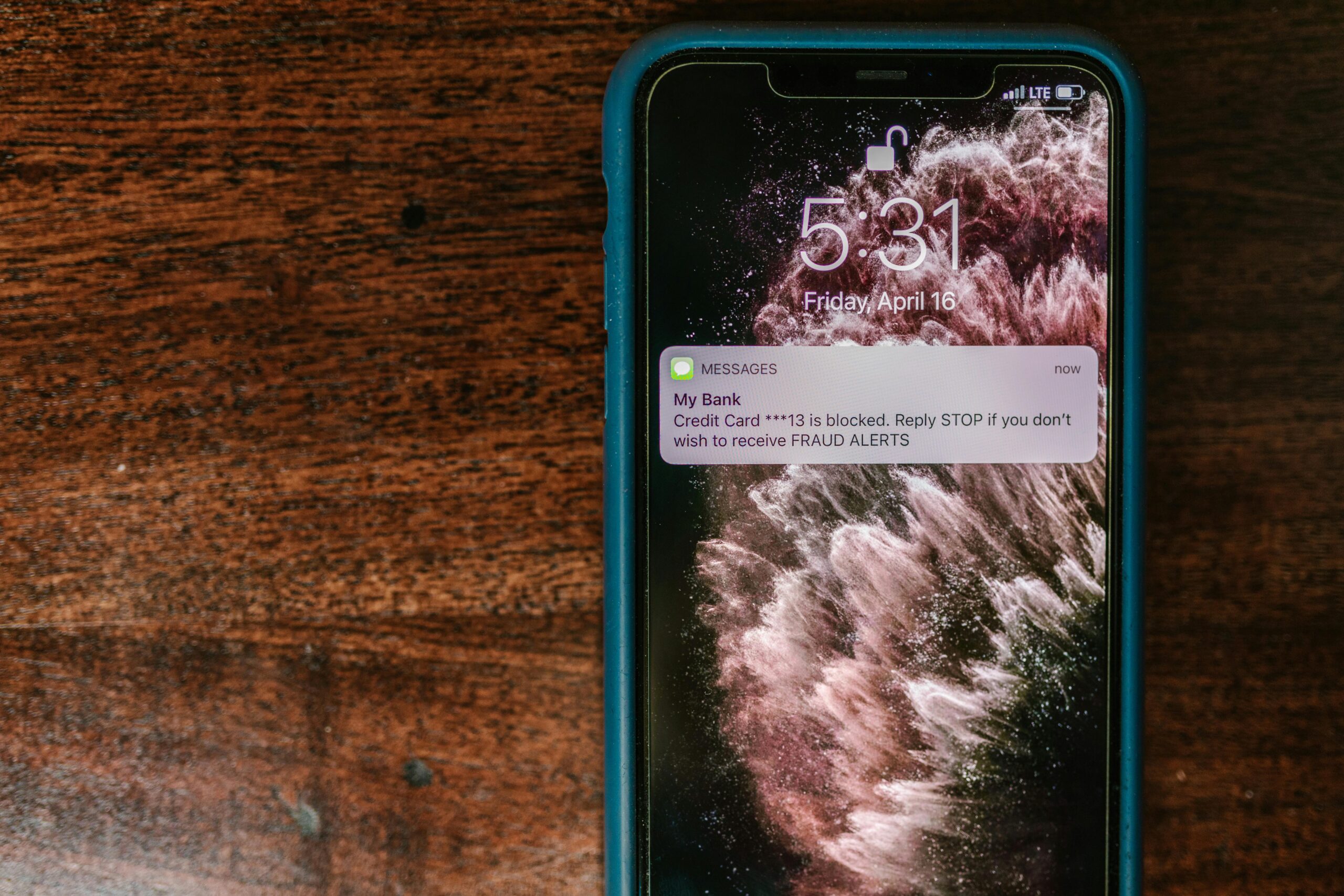
Ever wondered if someone you blocked tried to text you? You’re not alone. Many iPhone users get curious after blocking a contact and want to know if any messages were missed. You can’t directly see blocked messages on an iPhone. Apple does not save or show messages sent by blocked contacts. But there are a few simple ways to check indirectly and avoid missing something important.
Can You See Blocked Messages on iPhone?
No, iPhone does not allow you to view messages sent by blocked contacts. Once a number is blocked, their texts, calls, and FaceTime requests are stopped completely and are not stored anywhere on your phone.
How Blocking Messages Works on iPhone
When you block someone on an iPhone:
- Their messages never reach your inbox
- You don’t get notifications
- Messages are not saved in a hidden folder
- Apple does not keep a record you can access later
This is done for privacy and peace of mind.
Ways to Check If You Missed Messages from a Blocked Contact
While you can’t view blocked messages directly, here are a few practical workarounds.
Unblock the Contact and Ask Them
The most reliable option:
- Go to Settings
- Tap Messages
- Tap Blocked Contacts
- Unblock the person
After unblocking, ask them if they sent you a message while blocked.
Check Other Devices Linked to Your Apple ID
Sometimes messages may show on:
- iPad
- MacBook
- Apple Watch
This only works if the message was sent before the contact was blocked.
Look at Your Phone Bill (SMS Only)
If the blocked person sent a regular SMS:
- Your carrier bill may show incoming text activity
- Message content will not be visible
This won’t work for iMessage.
Ask Your Mobile Carrier
Some carriers can confirm:
- If a message attempt was made
- Date and time of the attempt
They cannot show the message text.
Pros & Cons of iPhone Message Blocking
| Pros | Cons |
|---|---|
| Complete peace from unwanted texts | No way to recover blocked messages |
| No notifications or interruptions | Curiosity if something important was sent |
| Strong privacy protection | No message history saved |
Real-World Examples
- Blocked an ex: You won’t see any texts they send during the block period.
- Blocked a spam number: Messages are stopped completely and safely.
- Blocked a coworker temporarily: Any messages sent during that time are gone forever.
FAQs – People Also Ask
Can I see blocked iMessages later?
No. iMessages sent while a contact is blocked are permanently blocked and not saved.
Are blocked messages stored somewhere on iPhone?
No. iPhone does not store blocked messages anywhere.
Will I get old messages if I unblock someone?
No. Messages sent during the block period are lost.
Can third-party apps show blocked messages?
No trusted app can retrieve blocked messages. Be careful of apps claiming they can.
Can blocked callers leave voicemails?
Yes. Blocked voicemails may appear in a Blocked Messages or Blocked Voicemail folder, but this does not apply to texts.
Final Verdict
You cannot see blocked messages on an iPhone, and Apple doesn’t offer a way to recover them. Blocking is meant to be final and private. If there’s even a small chance you may need to see future messages, consider muting notifications instead of blocking.