

Seeing a red phone signal can be frustrating—especially when calls drop or messages won’t send. It usually means your phone is struggling to stay connected when you need it most.
A red signal almost always points to poor network coverage, incorrect device settings, or temporary network connectivity issues. In most cases, you can fix it fast by checking your network settings, toggling airplane mode, or resetting network settings. If the problem continues, your location, phone case, or SIM card may be the real cause.
Why Your Phone Signal Turns Red
A red indicator shows weak signal strength. Phones connect to nearby towers, but several factors can block or weaken a cellular signal.
Common causes include:
- Thick walls in offices or apartments
- Rural areas or crowded cities in North America
- Faulty or misaligned SIM card
- Outdated network settings
- Heavy data use causing dropped calls
When your phone can’t maintain a reliable connection, the signal often turns red.
Quick Fixes That Work Immediately
Toggle Airplane Mode
Turning airplane mode on and off forces your phone to reconnect.
How to do it:
- Open the settings app
- Enable airplane mode for 10 seconds
- Turn it off and wait for the signal to refresh
This simple step often resolves short-term connectivity issues.
Reset Network Settings
If problems persist, resetting network settings clears corrupted data.
Steps:
- Go to the settings app
- Find reset network or reset network settings
- Confirm the reset
This removes saved Wi-Fi networks and Bluetooth devices, but it often restores full network connectivity.
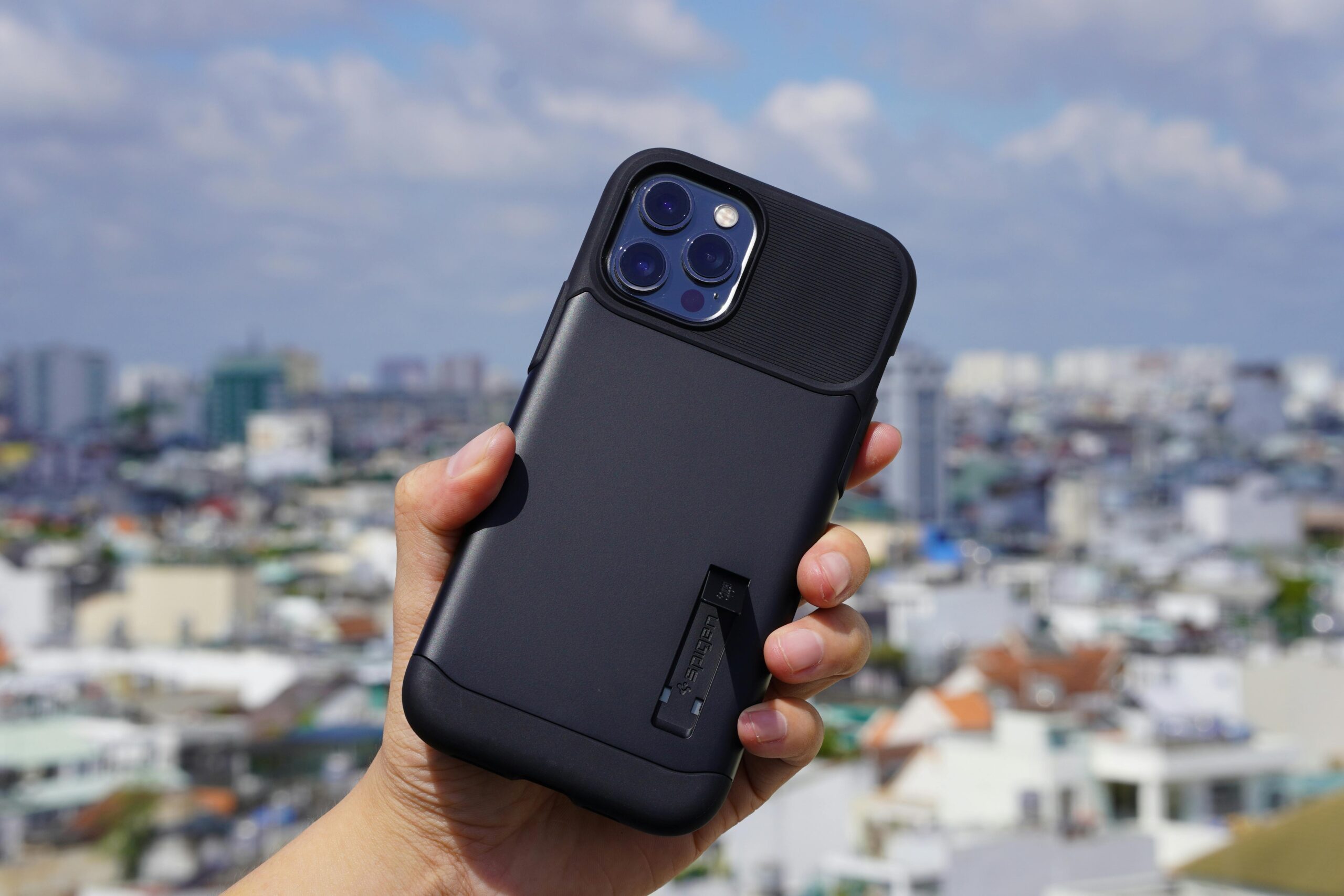
Check Your Phone Case
Some phone cases, especially cheap or metal ones, block antennas.
Tip:
Switch to a quality phone case designed to support strong cellular signal performance.
Improve Signal in Difficult Locations
Use Wi-Fi Calling
When mobile coverage is weak, wi fi calling helps your phone stays connected through wi fi networks.
Best for:
- Apartments with thick walls
- Offices and basements
- Hotels with weak towers
It also improves video calls and voice clarity.
Move to Open Areas
Signals weaken indoors. Stepping outside or near windows can restore signal strength fast.
When Signal Issues Affect Communication
A weak signal doesn’t just drop calls—it disrupts effective communication.
Real-world impact:
- A team member missing an urgent update
- Failed video calls during meetings
- Inability to open lines of communication during emergencies
In these cases, alternative methods of communication like messaging apps or Wi-Fi-based calls matter.
Pros & Cons of Common Fixes
| Solution | Pros | Cons |
|---|---|---|
| Toggling airplane mode | Fast and easy | Temporary fix |
| Reset network settings | Fixes deep issues | Deletes saved Wi-Fi |
| Wi-Fi calling | Works in low signal areas | Needs stable internet |
| Changing phone cases | Improves reception | Extra cost |
| SIM card replacement | Fixes hardware issues | Carrier visit required |
Real-World Examples
- Office building: A manager in North America experienced constant dropped calls due to thick concrete walls. Enabling wi fi calling solved the issue instantly.
- Travel scenario: A user noticed a red phone signal after switching carriers. Re-seating the SIM card and resetting network settings restored service.
- Remote work: A freelancer relied on Wi-Fi for video calls when mobile data failed, maintaining a reliable connection all day.
FAQs – People Also Ask
Why is my phone signal red but I have bars?
Bars don’t always reflect usable network connectivity. The tower may be overloaded or unstable.
Can phone cases really affect signal?
Yes. Poorly designed phone cases can block antennas and weaken signal strength.
Does resetting network settings delete data?
No personal data is removed, but saved Wi-Fi networks and Bluetooth devices are erased.
Is Wi-Fi calling reliable?
Yes, as long as you’re on strong wi fi networks, it provides clear calls and fewer drops.
Why do calls drop more indoors?
Walls, metal, and distance from towers reduce cellular signal, especially in buildings with thick walls.
Final Verdict
A red signal doesn’t mean your phone is broken. Most issues come down to device settings, location, or minor hardware interference. Start with quick fixes like toggling airplane mode or resetting network settings, then improve your setup with Wi-Fi calling or a quality phone case.
With the right steps, your phone stays connected—and your communication stays reliable.